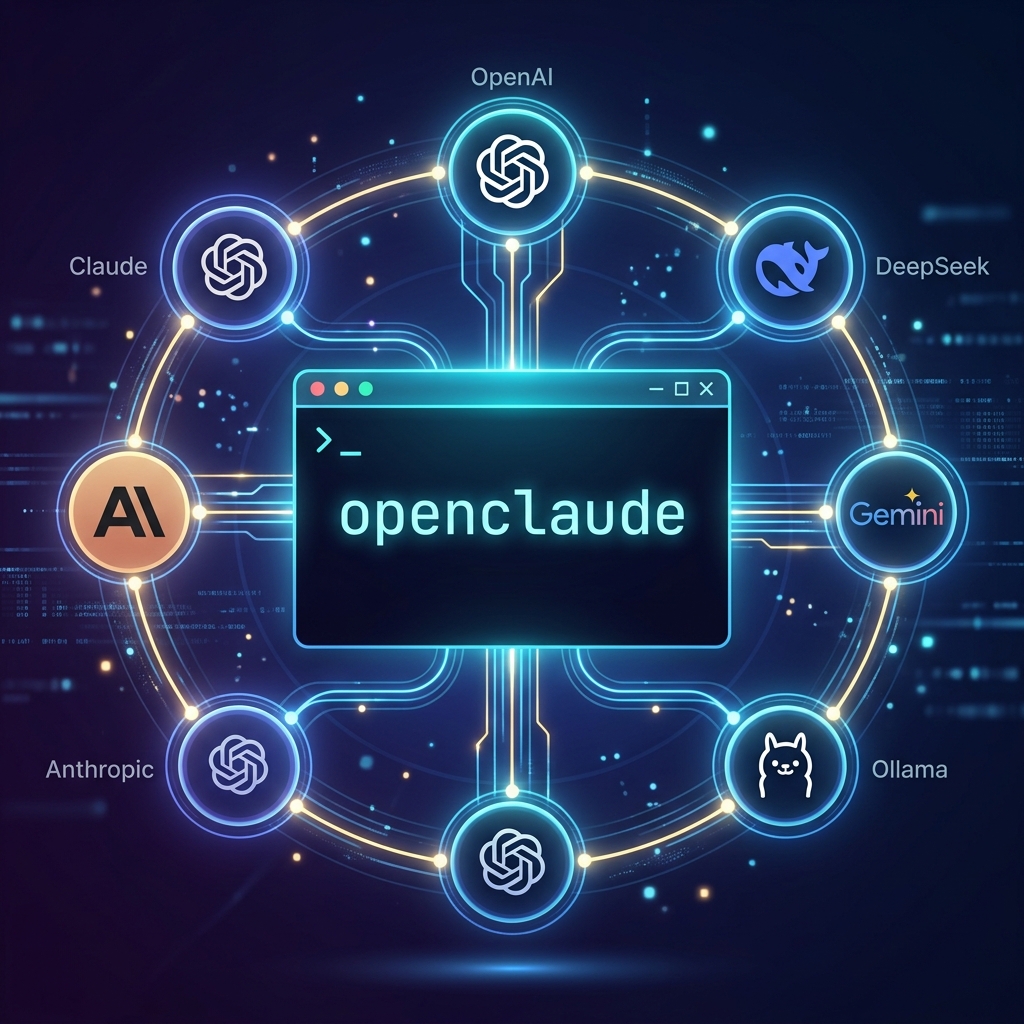
OpenClaude for multi-provider coding work
Switching model providers with shell wrappers works until the list gets long. One command starts a hosted model, another starts a local one, and a third has the right environment variables for a gateway. It is manageable for a couple of providers. It gets awkward when a task has to move because of a quota, a model outage, or a data-handling requirement.
OpenClaude takes a different route. It is a standalone coding-agent CLI with provider profiles and a guided /provider setup. Its current documentation lists OpenAI-compatible APIs, Gemini, GitHub Models, Codex, Ollama, and several other backends. The exact provider list and model defaults change, so the repository documentation is the source of truth.
One terminal workflow, separate provider profiles
A profile holds the connection details for one provider: endpoint, authentication, and model selection. You can keep profiles for a hosted API, a gateway, and a local server, then choose the profile that fits the job.
That does not make a model switch invisible. A conversation still has context, tool state, and permissions that need care. OpenClaude can resume or fork a conversation by session ID, but a fork only branches the transcript. It does not create a separate working tree or isolate filesystem changes.
Use profiles to reduce setup friction, not to avoid the decision about whether the next model should receive the existing context.
Start with the guided setup
The project documents this installation and launch flow:
npm install -g @gitlawb/openclaude@latest
openclaude
Then run /provider in the CLI. It saves a provider profile instead of requiring a separate wrapper command for each service. The current README says that OpenClaude does not automatically load a project .env file. Export provider variables explicitly, use the documented provider setup, or pass a dedicated provider environment file when that is appropriate for your workflow.
Do not copy credentials or authentication files from another agent’s configuration directory. Set up the provider again or use its documented environment variables. That keeps credentials scoped to the tool that needs them.
A simple routing policy
If you use several models, route by task rather than by brand. For example:
| Work | Profile to consider |
|---|---|
| A small, local or sensitive task | A local model after checking its capability |
| Broad exploration | A lower-cost profile with a clear token budget |
| A design decision or difficult review | The model you have evaluated for that work |
| A long-running change | A profile with enough quota, then explicit checkpoints |
This is a policy, not a guarantee that one class of model is always better. Evaluate the route on your repository, with the tools and permissions you actually use. Track test results, review findings, latency, retries, and total request cost. A fast model that needs several repairs may not be the cheaper route.
Local models and OpenAI-compatible endpoints
OpenClaude supports OpenAI-compatible connections and documents an environment-variable path for a local Ollama instance:
export CLAUDE_CODE_USE_OPENAI=1
export OPENAI_BASE_URL=http://localhost:11434/v1
export OPENAI_MODEL=qwen2.5-coder:7b
openclaude
Treat this as a starting point. Verify the current model name, context setting, tool-calling behavior, and resource use on your machine. A local endpoint avoids sending prompts to a remote API only if every component in the workflow is local. Search, MCP servers, telemetry, and other tools may still have their own network paths.
How it compares with wrappers
Clother and OpenClaude solve different problems. A wrapper keeps the official Claude Code binary and changes the environment around it. OpenClaude is its own CLI, with its own configuration and provider setup.
Choose the wrapper approach when the official client is the behavior you want to preserve and you only need occasional provider changes. Choose OpenClaude when a single CLI with saved profiles, local backends, and explicit provider configuration fits the workflow better. Neither choice removes the need to review model output or protect provider credentials.
The useful test is modest: configure one provider, run a small task, inspect the tool calls and changes, then add another profile only when you can explain why it belongs in the workflow. See the token-saving guide for the broader cost and context discussion.